
A smart thermostat is the brain of your home’s climate control system. It learns your schedule, keeps your house comfortable, and helps you save on energy bills. However, just like any other piece of technology in your home, it eventually gets dirty.
If you are wondering how to clean smart thermostat devices safely without causing accidental damage, you are in the right place. Over time, thermostat dust buildup, oily fingerprints on the touchscreen, and hidden dirt can interfere with the device’s delicate sensors. Blocked sensors might even cause your HVAC system to run when it shouldn’t, leading to wasted energy and higher bills.
In this complete guide, you will learn the absolute safest methods to remove dust, clean the thermostat screen, clear out the sensors, and keep your entire system running perfectly.
What Is a Smart Thermostat?
A smart thermostat is an advanced temperature control device that connects to your home’s Wi-Fi network. Unlike older, manual models, these smart devices allow you to control your home’s heating and cooling remotely using a smartphone app or voice commands.
Because they are packed with modern technology—such as motion detectors, humidity sensors, and ambient light sensors—they are much more sensitive to their environment. Keeping these sensors free of debris is essential for proper thermostat maintenance.
Why You Should Clean Your Smart Thermostat
You might not think about cleaning your thermostat often, but ignoring it can lead to frustrating problems. Here is why regular cleaning matters:
-
Accurate Temperature Readings: A thick layer of dust acts as an insulator. If dust coats the internal temperature sensor, the thermostat may think your room is warmer or cooler than it actually is.
-
Touchscreen Responsiveness: Smudges, oils, and sticky fingerprints can make the touchscreen unresponsive or glitchy.
-
Sensor Functionality: Many smart models rely on motion sensors to know when you are home. If dirt covers the lens, the device might mistakenly think the house is empty and turn off your AC or heat.
-
Preventing Malfunctions: A clean device is a happy device. Proper upkeep is one of the easiest ways to prevent a “smart thermostat not working” scenario.
How to Clean Smart Thermostat Safely
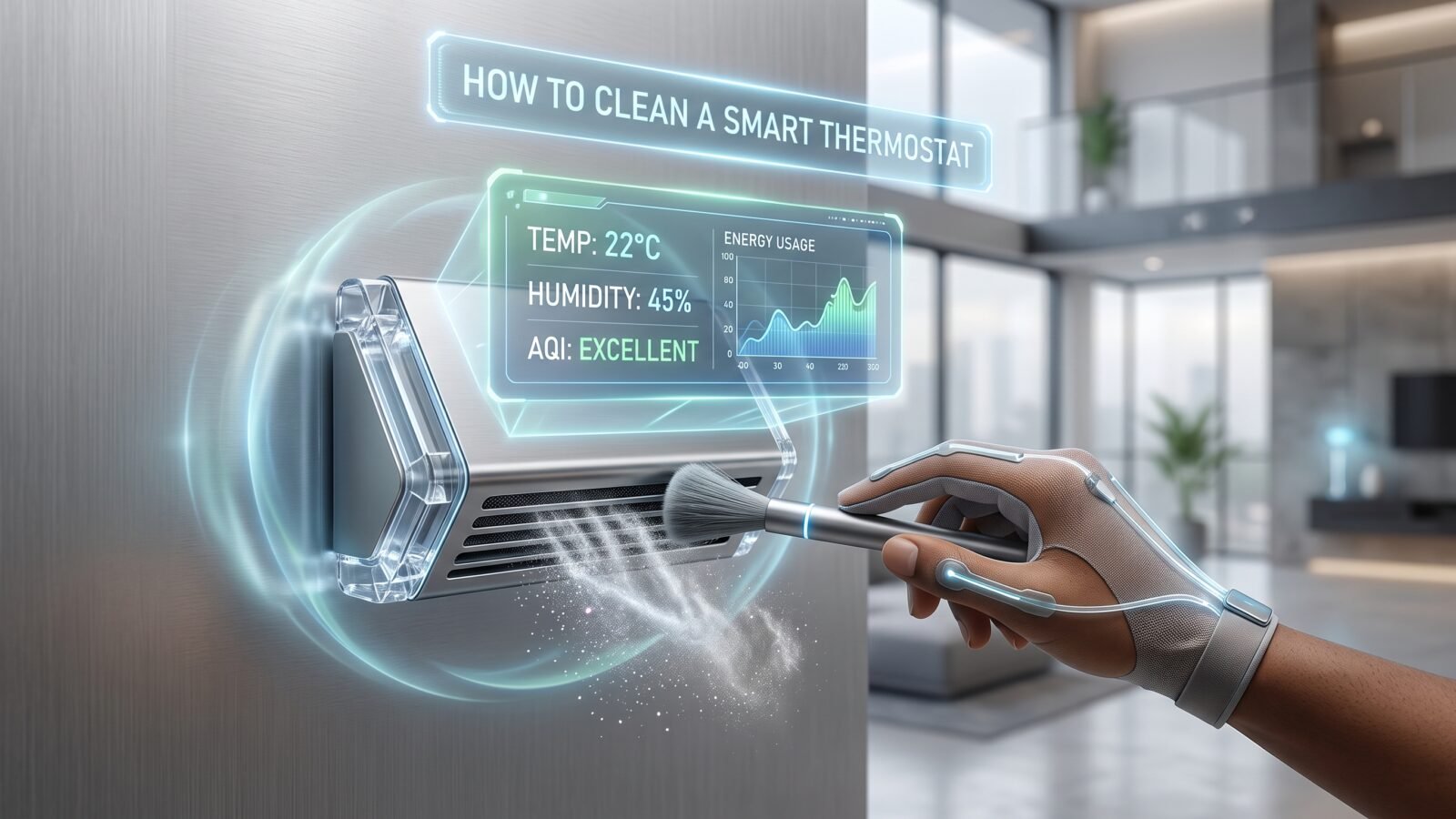
How do you clean a smart thermostat? To safely clean a smart thermostat, you should start by turning off the power to the device to prevent electrical issues. Use a clean, dry microfiber cloth to gently wipe away surface dust from the screen and outer housing. For stubborn smudges, lightly dampen the microfiber cloth with distilled water and wipe the screen. Never spray liquid directly onto the thermostat.
Here is the safest step-by-step process:
-
Turn off the power at your circuit breaker.
-
Wipe the screen and housing with a dry microfiber cloth.
-
Use a soft, clean brush to sweep dust out of the vents.
-
Lightly dampen your cloth to remove greasy fingerprints.
-
Let the thermostat dry completely before turning the power back on.
Things You Need Before Cleaning
Before you start, gather the right supplies. You do not need expensive cleaning kits. To clean a thermostat safely, you only need:
-
A clean microfiber cloth: This is essential for wiping screens without leaving scratches.
-
A soft-bristled brush: A clean, unused makeup brush or a soft paintbrush works perfectly for sweeping dust out of tiny crevices.
-
Distilled water: Tap water can leave mineral streaks on the screen.
-
Canned air (optional): If you use compressed air, you must use it with extreme caution to avoid blowing dust further into the device.
Step-by-Step Instructions
Follow these detailed steps to thoroughly clean your smart home climate controller without risking damage to the delicate internal electronics.
1. Turn Off Power if Necessary
Safety always comes first. Because your thermostat is wired into your home’s electrical system, you should turn off the power at the circuit breaker before doing a deep clean. This protects you from mild shocks and prevents the device from short-circuiting if a tiny drop of moisture gets inside.
2. Remove or Safely Access the Thermostat
Some smart thermostats are designed to easily pop off their wall plate. If your manufacturer instructions say it is safe to remove the main display unit, gently pull it off the wall. This makes it much easier to clean the back vents. If it does not come off easily, leave it on the wall and clean it in place. Do not force it.
3. Remove Dust and Debris
Take your soft-bristled brush and gently sweep the top, sides, and bottom of the device. Pay special attention to the small slits or vents around the outer edge. These vents allow room air to reach the internal sensors. If you want to remove dust from a smart thermostat using canned air, hold the can at least six inches away and use very short, gentle bursts.
4. Clean Thermostat Screen
To clean a thermostat screen, take your dry microfiber cloth and gently wipe the glass in a circular motion. This will remove most of the loose dust. If there are stubborn fingerprints, lightly dampen a corner of the cloth with a single drop of distilled water. Wipe the smudges, and then immediately use the dry side of the cloth to buff the screen. Do not press hard on the touchscreen.
5. Clean Around Sensors and Vents
Your thermostat likely has a motion or occupancy sensor on the front. Gently wipe this sensor lens with your dry microfiber cloth. Next, run your soft brush along the top rim where dust naturally settles. Keeping these specific areas clear ensures the smart features continue to function properly.
6. Wipe the Outer Housing
The plastic or metal ring around the screen can get sticky from hands turning the dial or gripping the device. Wipe the outer housing with a barely damp cloth to remove built-up grime, being careful not to let any moisture seep into the seam where the screen meets the housing.
7. Allow Everything to Dry
Even if you only used a tiny amount of moisture on your cloth, give the device about five to ten minutes to air dry completely. This guarantees that no lingering moisture will interact with the electrical pins when you power it back up.
8. Reinstall and Check the Thermostat
If you removed the display from the wall, gently push it back onto the base plate until it clicks into place. Turn the power back on at the circuit breaker. Wait a moment for the device to boot up, and tap the screen to ensure it registers your touch accurately.
What Not to Use When Cleaning a Smart Thermostat
Knowing what to avoid is just as important as knowing how to clean a smart thermostat. Using the wrong products can permanently damage the anti-reflective coating on the screen or fry the internal computer chip.
Avoid these at all costs:
-
Glass cleaners and harsh chemicals: Ammonia, bleach, or standard window cleaners can strip the protective coating off the touchscreen.
-
Paper towels or tissues: Wood-based paper products are abrasive and can leave permanent micro-scratches on the display.
-
Direct sprays: Never spray water or cleaner directly onto the device. Liquid can easily run down the screen and enter the internal wiring.
-
Abrasive scrubbing pads: Magic erasers or heavy-duty sponges will ruin the finish of your device.
How Often Should You Clean a Smart Thermostat?
Thermostat maintenance does not have to be a daily chore. For most homes, giving the device a quick wipe-down with a dry microfiber cloth once a month is plenty.
However, you should perform a more thorough clean (clearing the vents and wiping the screen with a damp cloth) about twice a year—ideally right before the heavy summer cooling season and right before the winter heating season.
How to Keep Your Smart Thermostat Clean
If you want to reduce how often you have to clean your device, try these simple habits:
-
Use the app more often: The beauty of a smart thermostat is that you can control it from your phone. Touching the physical device less means fewer fingerprints and fewer germs transferred to the screen.
-
Wash your hands: If you do need to adjust the temperature manually, make sure your hands are clean and free of cooking oils or dirt.
-
Change your HVAC filters: Changing your furnace and AC filters regularly reduces the total amount of dust floating through your home, which naturally prevents thermostat dust buildup.
What to Do If Your Smart Thermostat Still Does Not Work
Sometimes, you might search for “how to clean smart thermostat” because the device is acting up, only to find that cleaning it didn’t solve the issue. If your screen is spotless and the vents are clear, but your smart thermostat is not working, try these troubleshooting steps:
-
Reboot the device: Look in the settings menu for a restart option, or pull it off the wall for 30 seconds and plug it back in.
-
Check your Wi-Fi: Many “broken” thermostats have simply disconnected from the internet.
-
Inspect the wiring: If you are comfortable doing so, turn off the breaker, remove the faceplate, and ensure all wires are firmly seated in their terminals.
-
Contact Support: If all else fails, reach out to the manufacturer’s customer support team for warranty information or advanced troubleshooting.
Conclusion
Taking a few minutes to maintain your climate control system can save you from a lot of unnecessary headaches. Knowing how to clean smart thermostat devices properly ensures that your HVAC system runs efficiently and your home stays at the perfect temperature year-round.
Remember, the safest cleaning method always involves turning off the power, avoiding harsh chemicals, and using a gentle microfiber cloth. By keeping the screen clear of fingerprints and the sensors free of dust, you will extend the life of your device and enjoy a smarter, more comfortable home.